For gym owners
Fill your gym with a simple dashboard for bookings, offers and check-in.
Your gym page
Details and pricing
Day pass and monthly prices, working hours, amenities, location and transfer wallet.
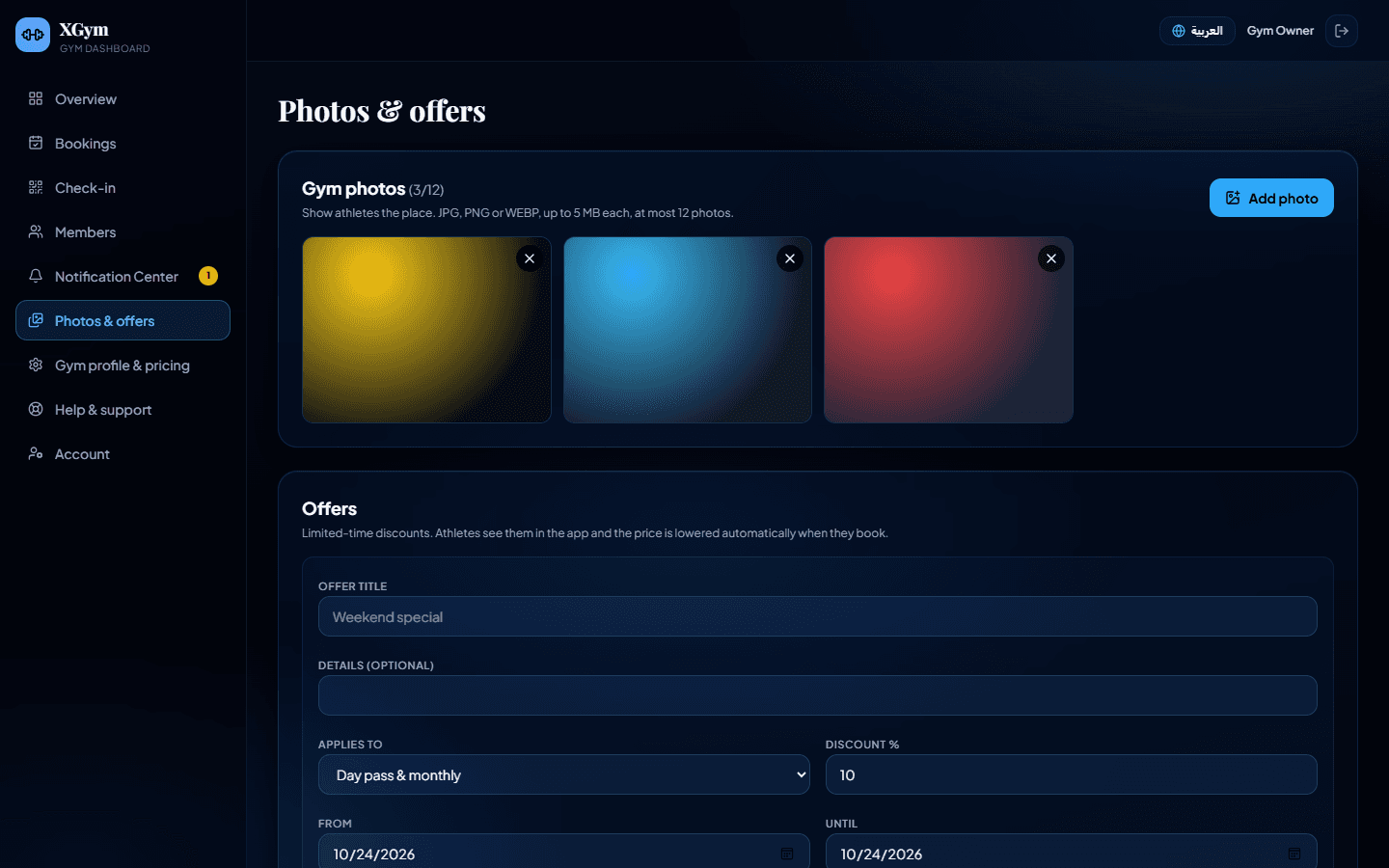
Up to 12 photos
Show athletes the place before they book.
Crowd status
Tell members if the gym is quiet, moderate or busy.
Offers
Limited-time discounts
Choose a percentage, the dates and whether it applies to day passes, monthly or both.
Automatic pricing
The discount is applied to the booking price on the server.
Bookings and members
Bookings inbox with receipts
Confirm to issue a pass code, or reject with a reason.
Door check-in
Enter the member's pass code and the system verifies it.
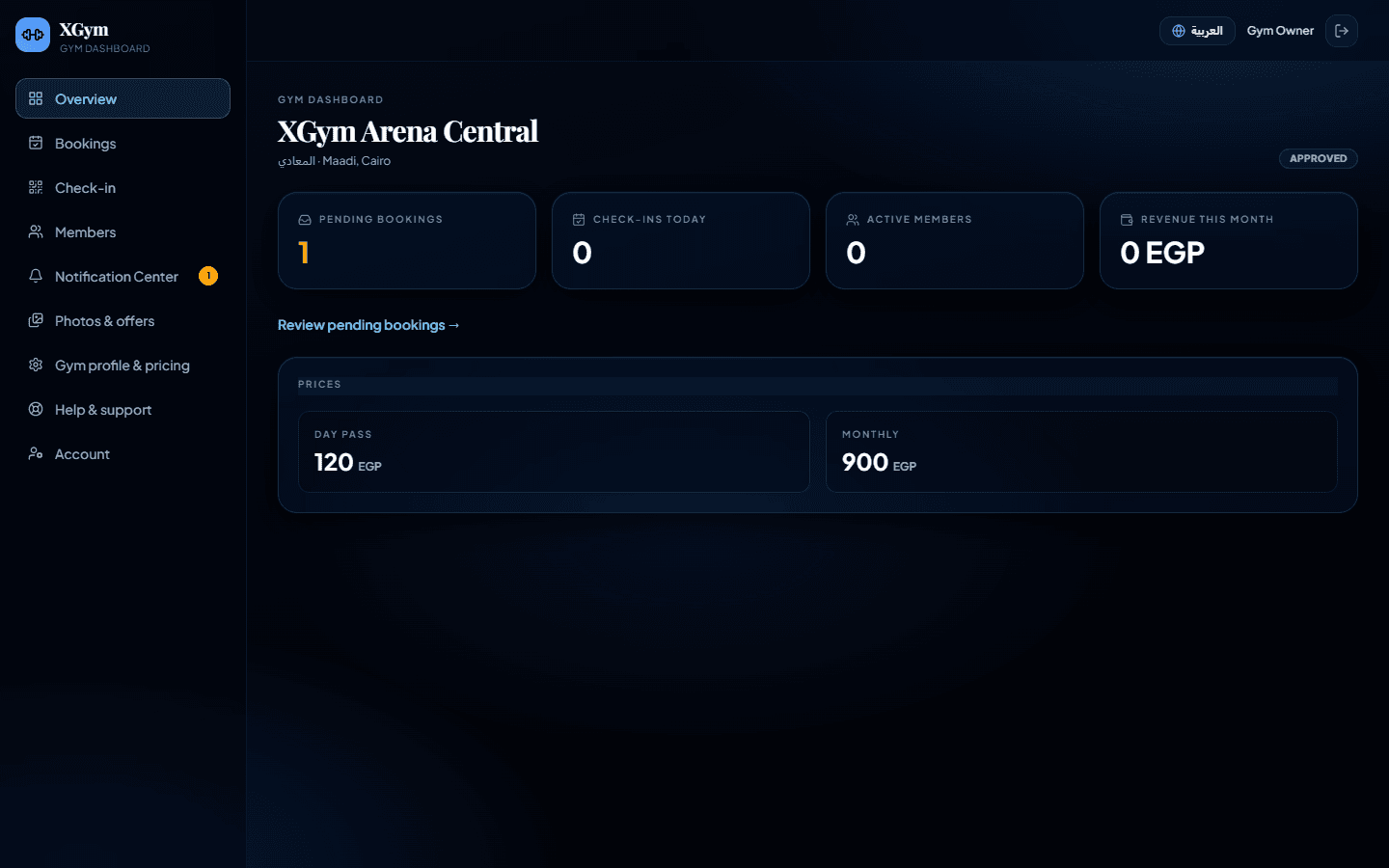
Overview
Monthly revenue, check-ins today and active members.
From booking to the door
- 1
Booking
The athlete books a day pass or monthly membership and uploads the receipt.
- 2
Confirmation
You check the receipt and confirm. A code like GP-XXXXXX is issued.
- 3
Check-in
The member shows the code and you verify it at the door.
Ask for a demo
Fill your gym with a simple dashboard for bookings, offers and check-in.